
YouTube Engagement Tool
Generate high-quality YouTube views that satisfy the algorithm using three distinct modes. Each mode simulates real user behavior — searching, watching playlists, or following suggestions — to support channel growth with consistent engagement.
Responsible Use: This workflow is designed for legitimate business operations. Please ensure your use complies with the relevant platform's terms of service.
Three Viewing Modes
Search Mode — Video SEO Optimization
Improves video ranking for target keywords.
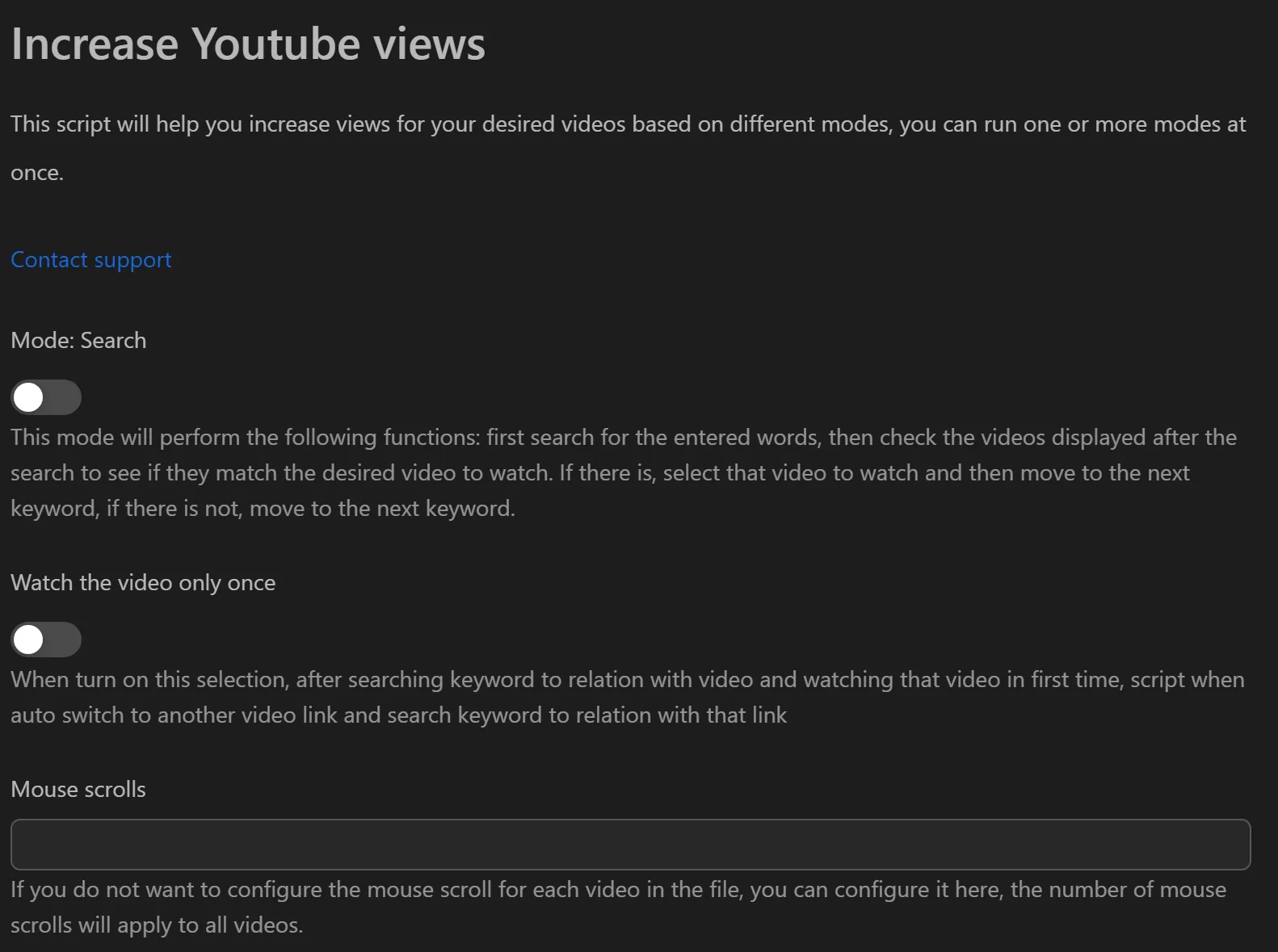
- Prepare an Excel file with: video URL, search keywords, watch time, and scroll count.
- The tool searches YouTube for each keyword, finds your video in results, clicks it, and watches for the specified duration.
- Repeat across multiple keywords to build search-source views.
Playlist Mode — Watch Time and Session Time
Maximizes watch time and session duration metrics.
- Prepare an Excel file with playlist URLs.
- The tool opens each playlist, watches a random number of videos for random durations.
- Creates long viewing sessions that boost channel-level metrics.
Suggestion Mode — Recommendation Algorithm
Gets your video recommended alongside popular videos.
- Prepare an Excel file with a related video URL (popular video in your niche) and your target video URL.
- The tool watches the related video, scans the suggestion sidebar for your target video, and clicks it.
- Creates a recommendation link between the related video and yours.
Additional Features
- Like and comment — Enable per mode; comments pulled randomly from a
.txtfile. - Excel-based configuration — All strategies managed through structured spreadsheets.
- Behavior simulation — Mouse scrolling, random pauses, and varied watch times mimic real users.
Practical Use Cases
- Push a new video to top search results — Use Search mode with target keywords.
- Build channel credibility — Use Playlist mode across all your videos to boost session time.
- Discover content in your niche — Use Suggestion mode to find related videos and grow your audience through recommendations.
Related: To keep profiles running 24/7 for other engagement tasks, see keep running. To auto-login to Gmail accounts used with YouTube, see autologin Gmail.